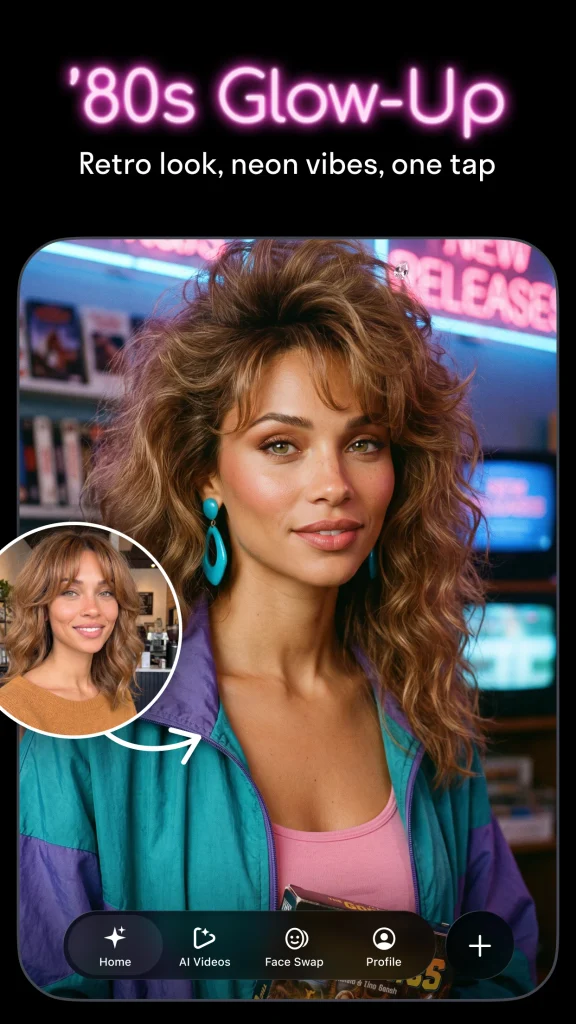
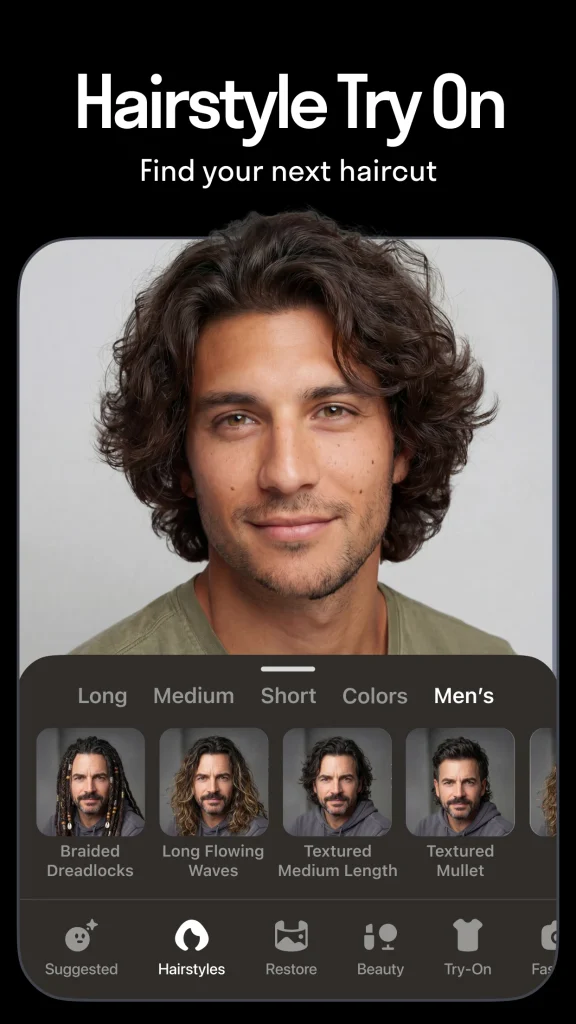
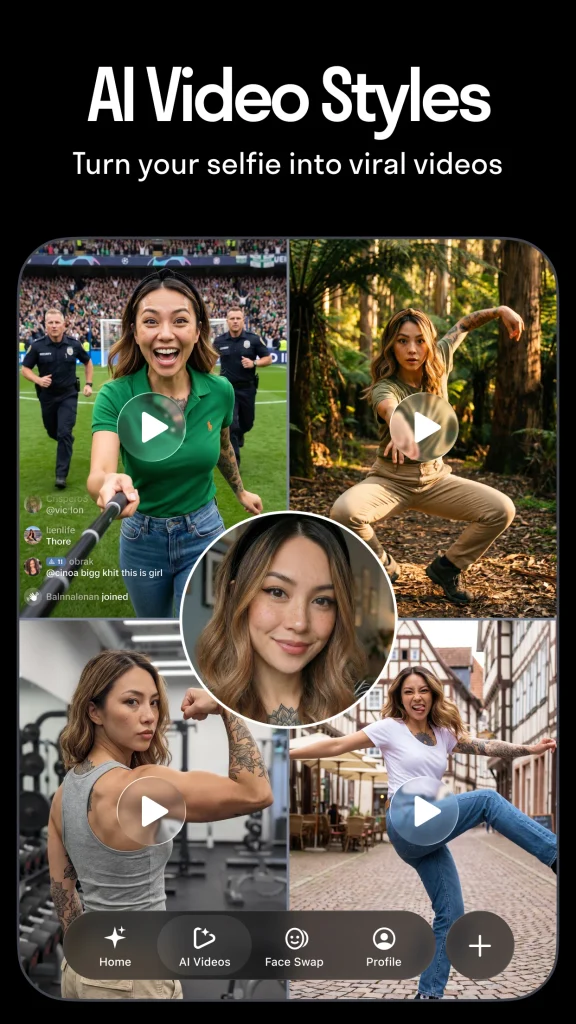
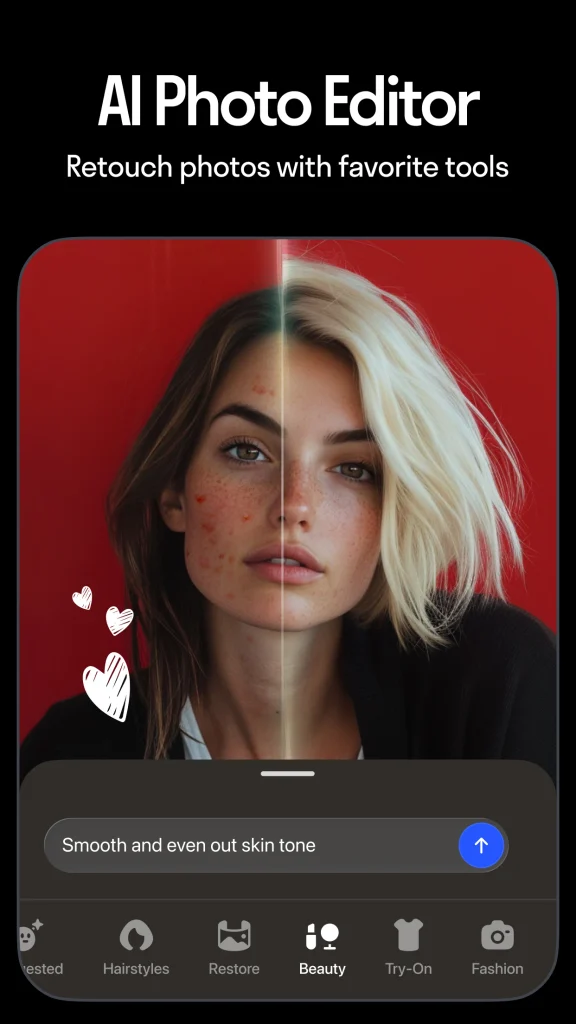
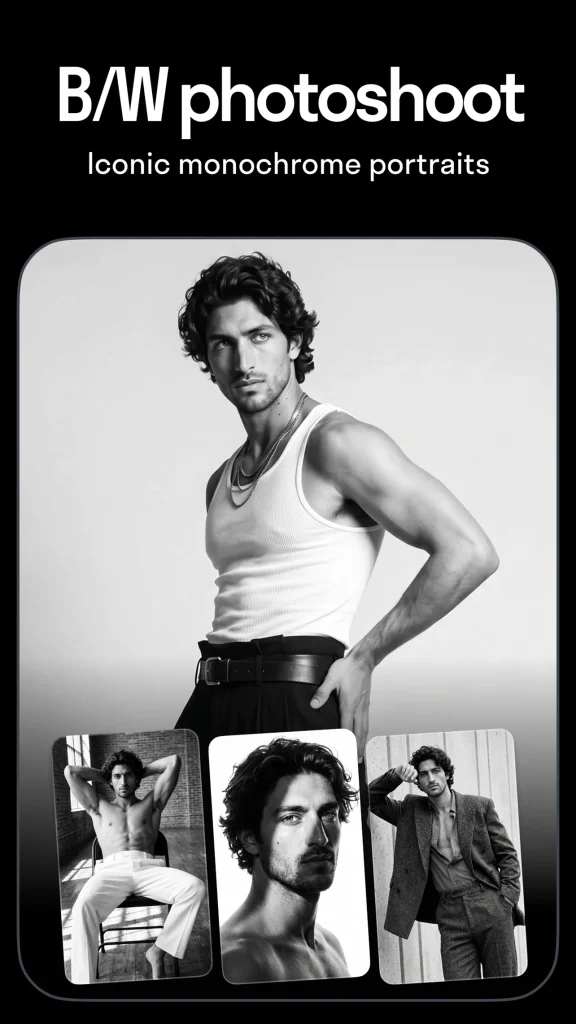
Have you ever wondered how your face would look in a famous movie scene, music video or funny character animation? Reface Mod APK makes this kind of digital creativity possible with artificial intelligence. Instead of manually editing photographs or learning complicated photo-editing software, users can upload a selfie and let the app place their face into selected images, GIFs and video clips.
The Reface: Face Swap AI Generator App is designed for people who enjoy experimenting with digital content. It combines face-swapping technology with ready-made templates, animated effects and AI-powered image transformations. Whether someone wants to create a funny social media post or make a personalised video for friends, the app offers a relatively simple way to turn an ordinary portrait into something entertaining.
Turn an Ordinary Selfie into Something Different
Reface focuses on making face replacement accessible to everyday smartphone users. Traditional face editing often requires selecting facial areas, adjusting layers and matching lighting manually. Reface automates much of this process using AI-based facial recognition and image processing.
After selecting a suitable photograph, users can explore available templates and choose the one they want to personalise. The application analyses facial features and attempts to position the selected face naturally within the chosen content. The final result can be a still image, animated GIF or short video, depending on the available template.
This approach is particularly useful for people who create casual digital content but do not have professional editing skills. A simple selfie can become a humorous reaction image, a themed portrait or a short entertainment clip.
How Reface AI Face Swapping Works
The technology behind Reface involves analysing facial characteristics and adapting them to another visual source. AI models identify important facial features, including the eyes, nose, mouth and overall face structure. The software then processes the selected image or video frame to create a replacement that follows the target content.
The general creation process involves a few steps:
- Select a photograph: Choose a clear selfie where the face is visible and reasonably well-lit.
- Explore templates: Browse available images, GIFs and video scenes.
- Choose a face swap: Select the content you want to personalise.
- Generate the result: Allow the application to process the image using its AI technology.
- Save or share: Review the generated content and use the available sharing or export options.
The quality of the result depends on several factors. A front-facing photograph with limited obstructions usually provides better facial recognition than a picture with sunglasses, strong shadows or an unusual camera angle.
Creative Features That Make the App Interesting
Reface is not limited to replacing faces in static photographs. Its entertainment-focused features allow users to experiment with different types of visual content.
AI Face Swap for Photos and Videos
Face swapping is the central feature of the application. Users can insert their facial appearance into selected visual templates without manually editing each frame. Video-based face swaps are particularly interesting because the generated face can follow the movements and expressions of the original subject.
Animated GIFs and Short Clips
GIFs and short videos are popular formats for online conversations and social media. Reface allows users to personalise supported animated content, making it easier to create funny reactions, birthday greetings and personalised entertainment clips.
AI Photo Effects and Transformations
Depending on the available version and feature selection, Reface also offers AI-powered visual effects and image transformations. These can change the appearance or style of an ordinary portrait, giving users more ways to experiment beyond traditional face replacement.
Ready-Made Creative Templates
Pre-designed templates reduce the time needed to create content. Instead of starting with a blank editing screen, users can select an existing visual concept and personalise it. Template availability can change with app updates, regions and subscription plans.
Where Can You Use Reface-Created Content?
One reason AI face-swapping applications attract attention is their potential for casual content creation. Reface can be useful in several everyday situations.
- Social media entertainment: Create personalised GIFs, images and short videos for platforms such as Instagram and Facebook.
- Birthday greetings: Turn a friend’s photograph into a personalised visual greeting, with their permission.
- Group conversations: Share humorous reactions in private messaging groups.
- Creative experiments: Explore different characters, visual styles and fictional scenarios.
- Personal projects: Make themed content for invitations, digital presentations or informal entertainment.
However, not every generated video will be suitable for professional marketing. Businesses should consider image rights, audience expectations and the commercial-use terms of the application before using AI-generated content in advertisements or promotional campaigns.
Is Reface Mod APK Free to Use?
Reface may offer free access to selected features, while additional functionality can require a paid subscription or in-app purchase. The exact pricing, usage restrictions and available features may differ depending on the country, device and current subscription options.
Before purchasing a plan, users should check what it includes. Consider whether it provides access to premium templates, additional generations, watermark removal or other features that matter to your intended use. Also review the renewal terms, billing frequency and cancellation policy.
Someone who only wants to create an occasional funny image may find limited free access sufficient. Regular content creators may find a paid plan more practical if it offers the tools and export options they actually need.
Limitations and Privacy Considerations
Although Reface makes face swapping easier, the results are not always perfect. Differences in facial angles, lighting, image quality and expressions can affect the final output. Some generated images may look natural while others can have visible distortions around the mouth, eyes or facial boundaries.
There are also privacy considerations because the application processes personal photographs. A face image is personal information, so users should understand how their uploads are handled before sharing them.
Check the application’s current privacy policy for information about image storage, processing, retention and deletion. Avoid uploading photographs of other people without permission, particularly children’s pictures. Users should also be careful when creating realistic content that could mislead viewers or damage someone’s reputation.
Another consideration is consent. Face-swapping technology can be entertaining, but using another person’s appearance in embarrassing, misleading or harmful content can create serious personal and legal problems. Always use the technology responsibly.
Reface vs Traditional Photo Editing
Traditional photo-editing applications provide greater manual control over individual elements, colours, layers and image composition. However, creating a convincing face replacement can require considerable editing knowledge and time.
Reface takes a different approach by automating much of the process. It is more suitable for quick entertainment-focused creations where convenience matters more than detailed artistic control.
For professional designers who need precise adjustments, advanced compositing software may be a better choice. For casual users who simply want to personalise a video or create an amusing image, Reface offers a more straightforward alternative.
Who Should Consider Using Reface?
Reface is worth exploring for smartphone users who enjoy experimenting with AI-generated images and videos. Social media enthusiasts, meme creators and people who regularly share personalised digital greetings may find its template-based approach useful.
It may be less suitable for users who need complete control over image editing, professional-grade video production or guaranteed photorealistic results. People who are particularly concerned about uploading facial photographs should also review the privacy terms before using the service. You can also download VN: Photo & Video Editor Mod APK.
Final Thoughts on Reface AI
Reface Mod APK brings automated face replacement into an accessible mobile format. Its combination of AI face swapping, animated templates and creative photo effects gives users an entertaining way to transform ordinary selfies into personalised visual content.
The best results come from clear photographs, suitable templates and realistic expectations about AI-generated images. Before using premium features, check the current subscription details and privacy policy. Used thoughtfully, Reface can be an enjoyable tool for creative experiments, social media entertainment and personalised digital content.